Turn a good chat into a skill
- Finish the task in chat and keep the thread open.
- Ask:
Turn what we just did into a reusable skill. OpenWork uses the Cloud skill flow when it is available, or a local skill only when you ask for one. - If the helper is available, start from
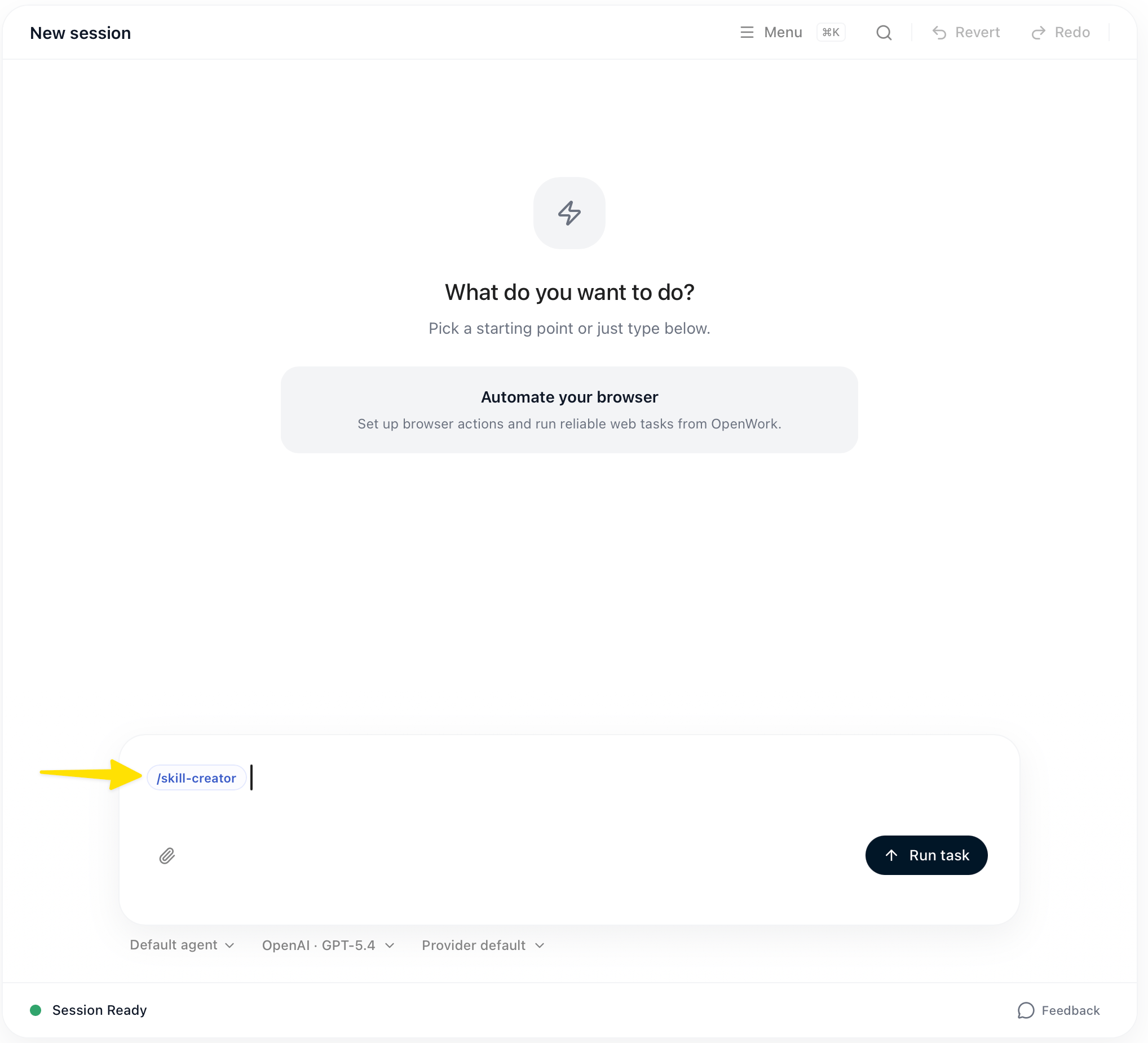
/skill-creatorin the composer.
- The agent writes a complete
SKILL.md, then reads back or verifies the skill before saying it is ready. - Use the new
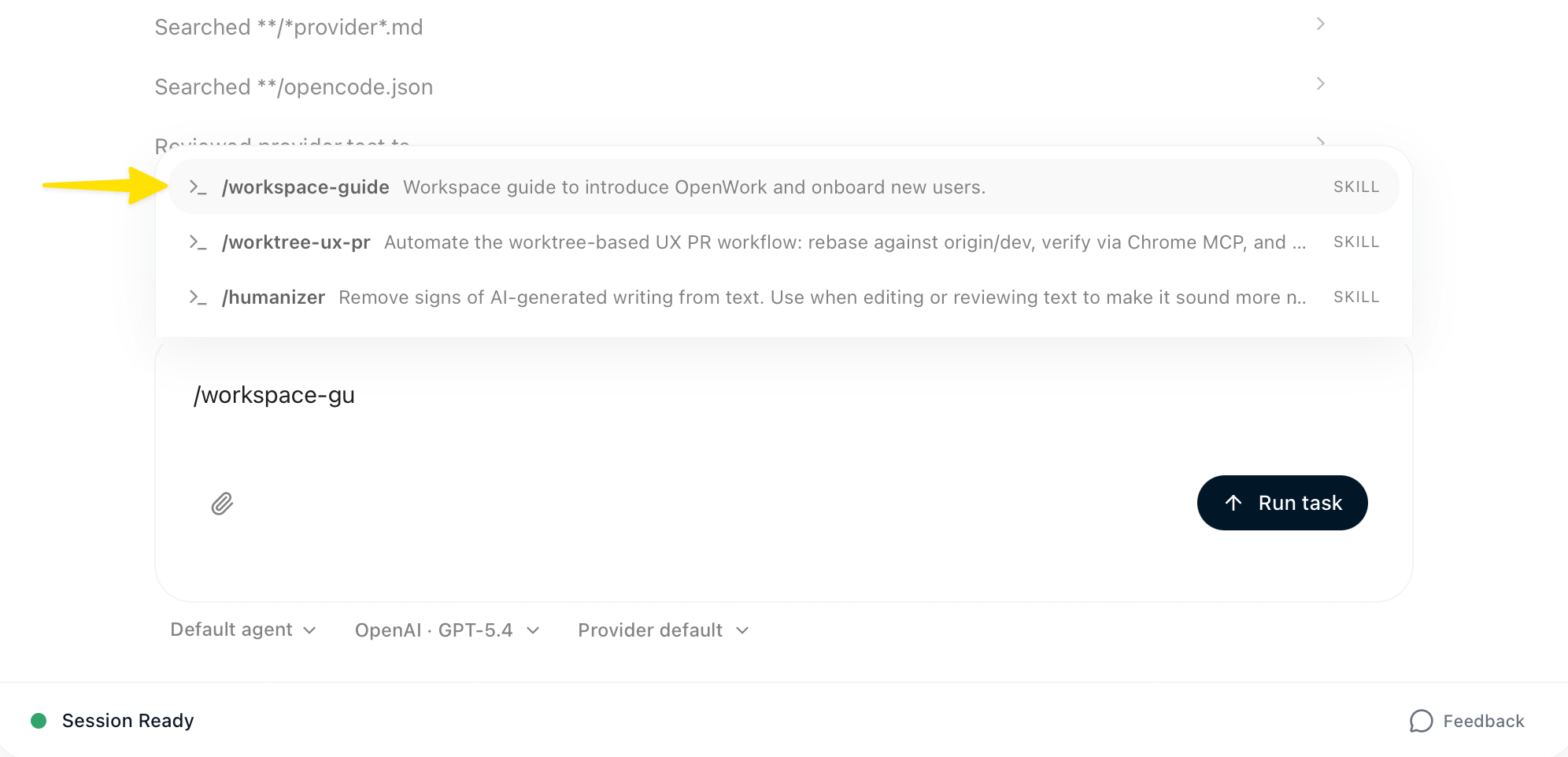
/skill-namefrom the composer, or describe a matching task and let the agent load it.
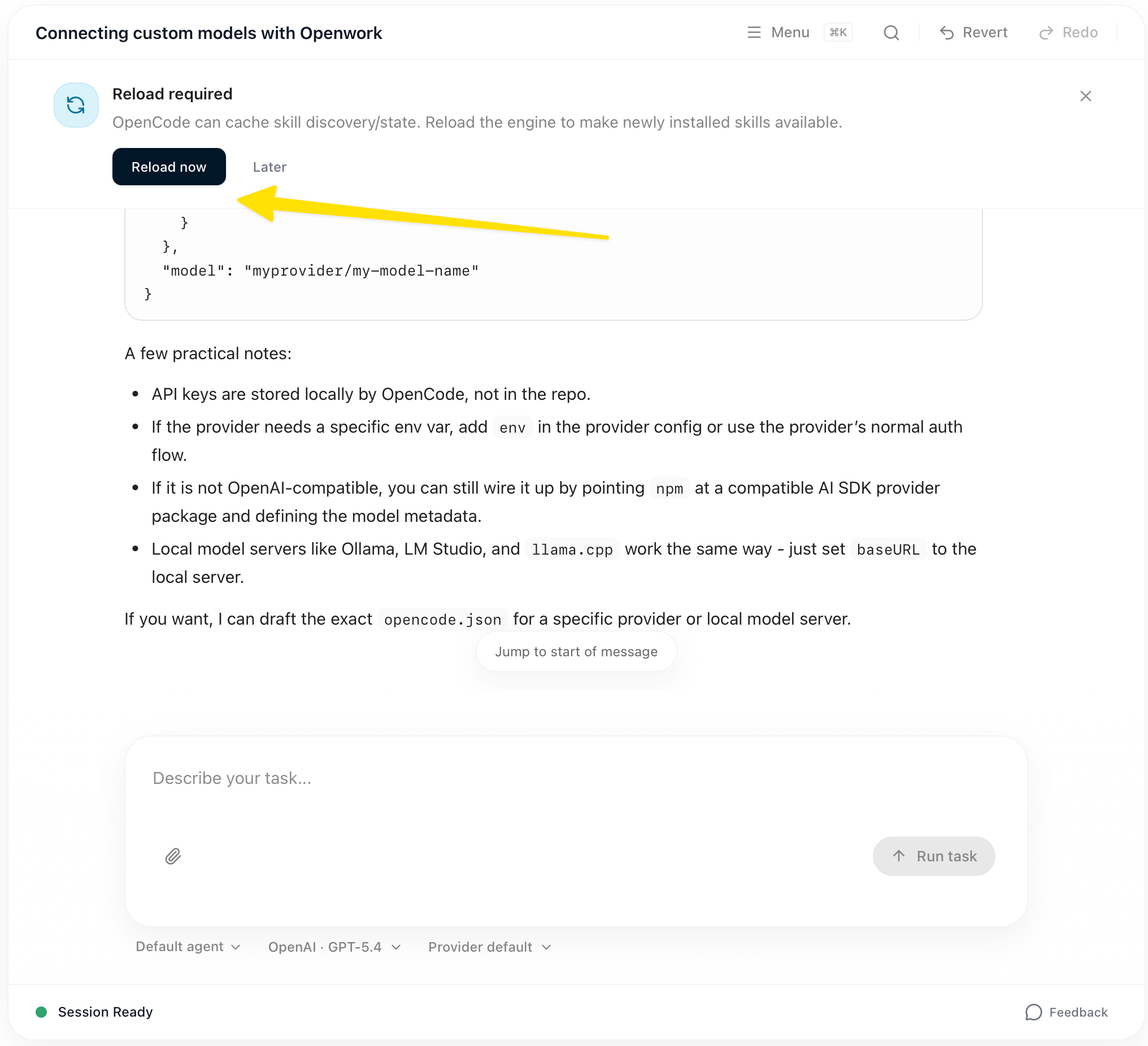
- If OpenWork says reload is required, click
Reload now, then refine the skill by asking for changes in chat.